
Installation
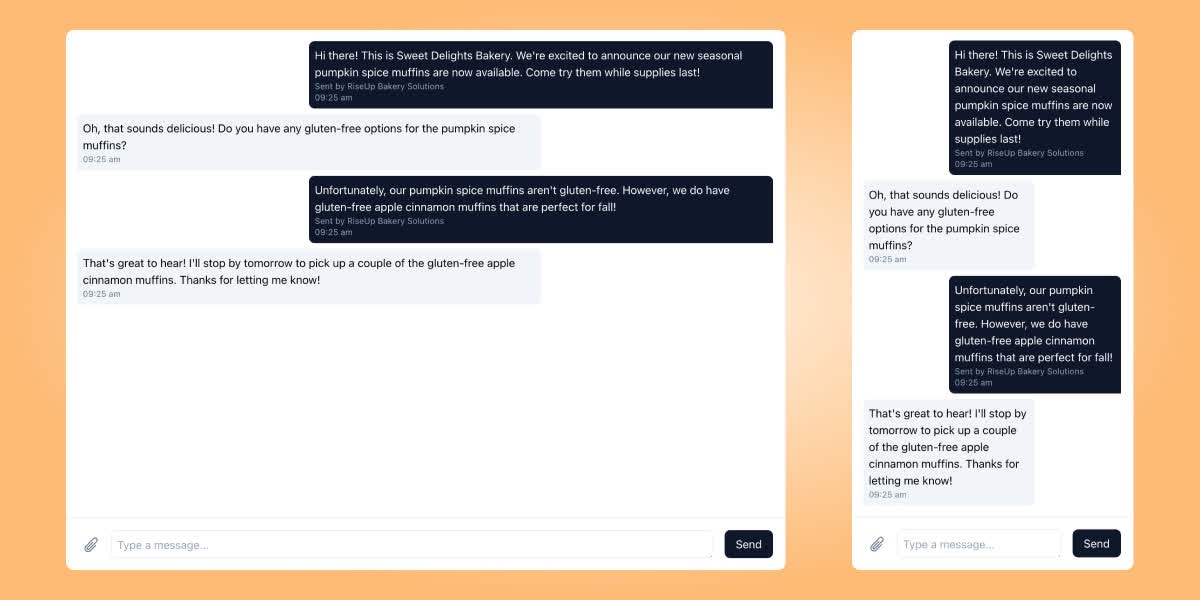
The conversation component requires one of the following: a Surge Conversation ID, a Surge Contact ID, or a phone number. The conversation ID is the preferred method and will be the most performant, since the other methods redirect to the conversation ID when one exists, so the iframe may take longer to load.With a conversation ID
{SURGE_USER_ID} and {ACCOUNT_TOKEN} are required parameters. You can find them in the Surge dashboard. The {CONVERSATION_ID} parameter is also required and should be the ID of the conversation to display.
With a contact ID
{CONTACT_ID} is required in this instance and should be the ID of the contact whose conversation should be displayed.
With a phone number
{PHONE_NUMBER} is required and is the phone number for the person whose conversation should be displayed, or to whom messages should be sent if no conversation exists yet. {FIRST_NAME} and {LAST_NAME} are optional but encouraged, since they let the contact’s information display properly in the inbox; if no contact or conversation exists yet for the given phone number, these are attached to the contact when a message is sent and the contact is created.