
Prerequisites
- Active account and API key: Both are required to call any phone number endpoint.
- Plan that allows the number count you want: Hobby is capped at 1, Starter at 25, Growth and Custom are unlimited.
- A campaign to attach to (eventually): Numbers can be purchased before a campaign is active, but they can’t send production traffic until they’re attached. See Attaching to a Campaign.
Number types
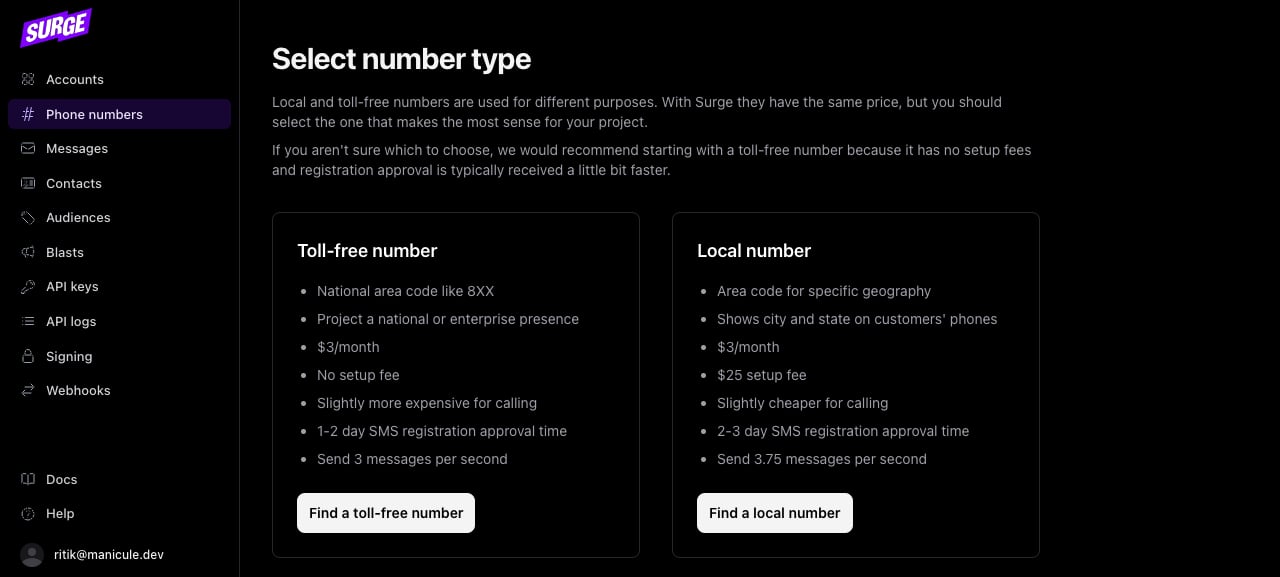
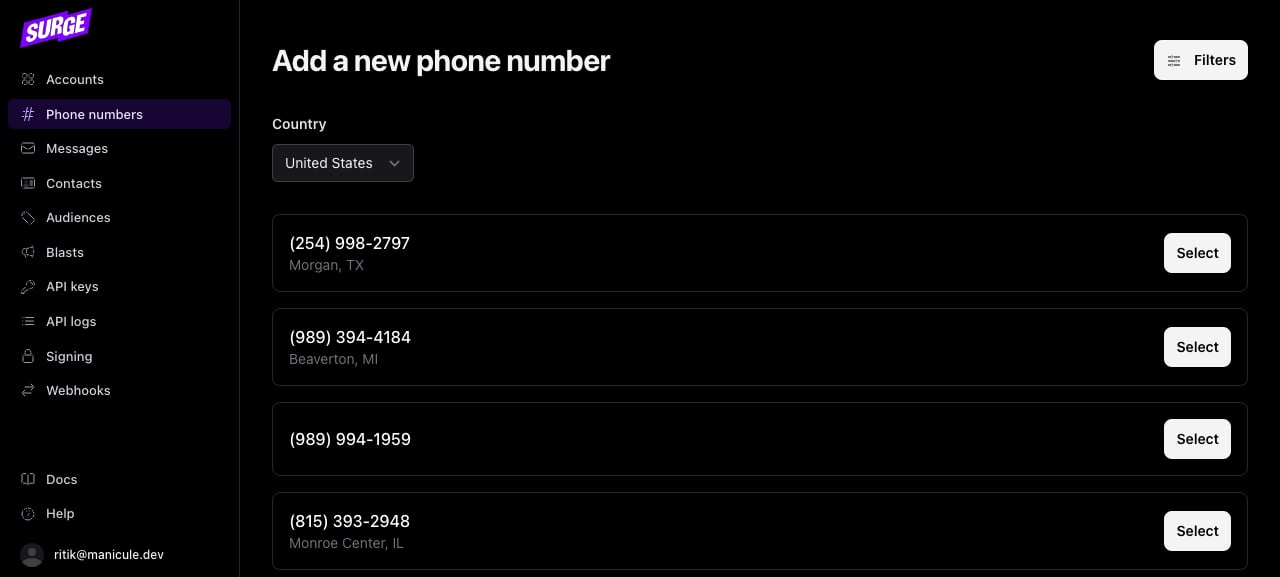
The dashboard at hq.surge.app walks you through the same purchase via UI, useful for one-off numbers or for confirming pricing and approval timelines:
Numbers selected before your subscription is active
If you select a number in the dashboard before your subscription is active, Surge reserves it instead of purchasing it immediately. The dashboard lists it under Pending phone numbers with the note “These numbers will be purchased once your subscription is active.” Surge purchases all pending numbers automatically when your subscription becomes active. You don’t need to select the numbers again. If a pending number still hasn’t been purchased after your subscription activates, contact support.Purchase a local number
Passtype: "local" and an area_code to find an available number in that area:
no_matching_numbers error. Try a nearby area code or omit the area_code to get any available number.
If your account has reached its phone number limit, the API returns a phone_number_limit error. Limits by plan:
Purchase a toll-free number
Toll-free numbers need to go through verification before they can send production traffic. See Toll-Free Verification.
List existing numbers
Retrieve all phone numbers on an account:Attaching to a campaign
A freshly purchased number hascampaign_id: null. Surge attaches phone numbers to campaigns automatically. You don’t call a separate endpoint. Two things trigger attachment:
- Purchase while a campaign is active: Surge attaches the number immediately.
- Campaign becomes active after purchase: Surge attaches all existing unattached numbers on the account when the campaign is approved.
phone_number.attached_to_campaign webhook event. Once you receive that event, the number can send production traffic. See Attaching to a Campaign.
Short codes
Short codes (5-6 digit numbers like12345) are available to all customers via a support request. They support very high message volumes and are the standard for large-scale marketing programs. Contact Surge support to start a short code request.